Free and Best AI Tools for Students
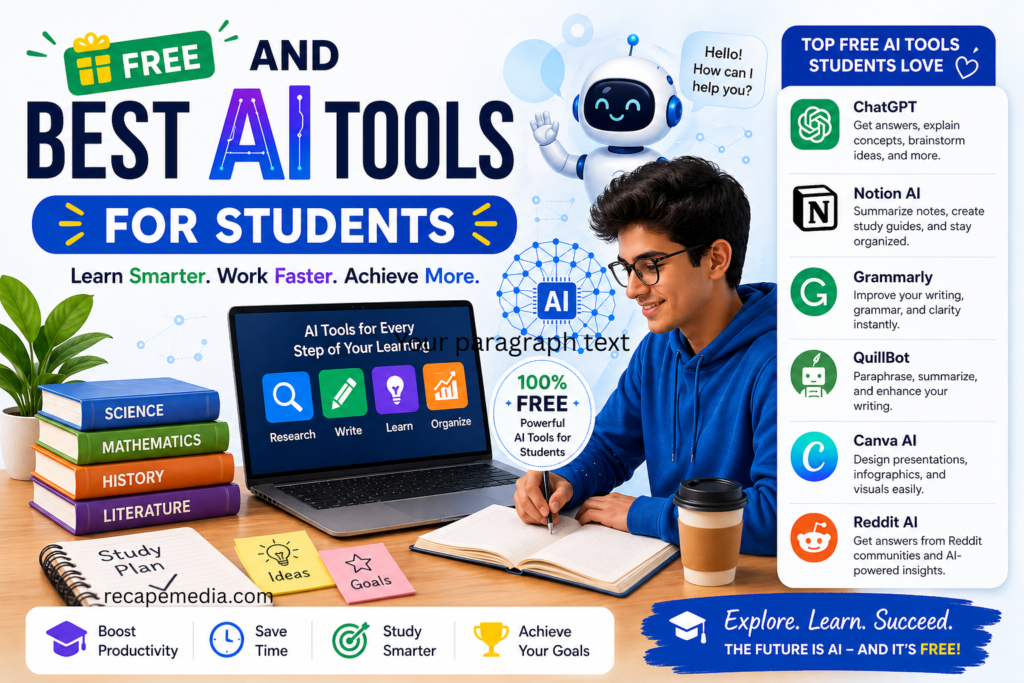
Free and Best AI Tools for Students
Let’s be honest. Student life is not easy. Assignments pile up. Deadlines come fast. And sometimes, your brain just refuses to cooperate.
I’ve been there. Sitting with an open book, reading the same line five times… and still not getting it.
That’s where AI tools step in. Not like magic. But close enough.
Today, many AI tools are free. Yes, free. And they can seriously change how you study, write, and manage your time. The trick is knowing which ones are actually useful—and not just hype.
Let’s break it down.
Why Students Are Using AI (And Loving It)
AI tools are not just for tech experts anymore. They are for regular students. People like you. People like me.
In my experience, the biggest benefit is simple: less stress.
You don’t have to do everything alone anymore.
AI helps you:
- Understand tough topics
- Write better and faster
- Organize your work
- Stay focused
But… and this matters… it works best when you use it as a helper, not a shortcut. The best AI tools for students are mentioned below.
1. ChatGPT – Your Study Companion
This one feels like talking to a smart friend. A very patient one.
You can ask anything. Literally anything.
Confused about a topic? Ask for a simple explanation. Need ideas for an essay? Done. Want help fixing your paragraph? Easy.
Sometimes I even ask them to explain things like “I’m 10 years old,” and it works.
It’s not perfect. Occasionally, it gives weird answers. But overall? Super helpful.
2. Grammarly – Your Writing Fixer
We all think our writing is fine… until we read it again.
Grammarly catches mistakes you don’t even notice. Small ones. Big ones. Awkward sentences too.
It doesn’t just correct you—it teaches you.
I remember submitting assignments full of tiny grammar issues. Not anymore. Grammarly cleaned that up fast.
The free version is enough for most students. You don’t need fancy features to improve your writing.
3. QuillBot – When Words Don’t Sound Right
Ever write something and feel… meh about it?
That’s where QuillBot shines.
It rewrites your sentences in a better way. Same meaning. Cleaner structure.
I use it when my writing feels dull or repetitive. It adds freshness.
Just don’t overuse it. Your voice still matters.
4. Notion AI – Organized Students Win
Some students are naturally organized. Others… not so much.
If you’re in the second group, Notion AI can change your life.
It helps you:
- Take notes
- Plan tasks
- Track assignments
- Summarize content
Everything stays in one place. No more messy notebooks or lost files.
I used to forget deadlines all the time. Not anymore.
5. Canva AI – Make Your Work Look Amazing
Let’s talk about presentations.
Most students either overdo them… or completely ignore design.
Canva fixes that.
With its AI features, you can create beautiful slides in minutes. Seriously. Minutes.
No design skills needed.
And the result? Clean, professional, impressive.
Your teacher will notice.
6. Google Gemini – Quick Answers, Fast
Sometimes, you just need quick help. Not a long explanation. Just the answer.
That’s where Gemini comes in.
It’s fast. Straight to the point. Great for research.
But here’s a tip: always double-check important information. AI is smart, but not always right.
7. Otter.ai – Never Miss a Lecture Again
We’ve all missed something important in class.
Maybe the teacher spoke too fast. Maybe you got distracted. It happens.
Otter.ai records lectures and turns them into text.
So even if you miss something, you can go back and review it later.
Honestly, this tool feels like a backup brain.
8. Wolfram Alpha – Math Made Easier
Math can be brutal. No sugarcoating that.
Wolfram Alpha doesn’t just give answers—it shows steps.
That’s the difference.
You actually learn how the solution works.
Back in the day, I used to just memorize formulas. This tool helped me understand them.
Big difference.
9. Duolingo – Learning Without Boredom
Learning a new language sounds exciting… until it gets boring.
Duolingo makes it fun.
Short lessons. Quick quizzes. Little rewards.
It feels more like a game than studying.
And honestly? That’s why it works.
10. Tome AI – For Creative Projects
Some assignments need creativity. Not just information.
Tome AI helps you create stories, presentations, and visual content.
It’s like having a creative partner.
When you’re stuck… it gives you a push.
11. Reddit – Best for questions and answers worldwide
Here are 3 main AI benefits often highlighted in Reddit discussions.
Saves Time and Boosts Productivity
Improves Learning and Understanding
Enhances Creativity and Ideas
Many Reddit users and students say AI helps generate ideas for content, projects, and problem-solving, especially when they feel stuck.
12. Google Cloud
Here are 3 simple reasons why Google Cloud is good for students.
Free Credits and Learning Resources
Real-World Skills Development
Easy to Use and Scalable
You can start small (like hosting a simple project) and scale up as you learn, making it perfect for beginners and advanced students alike.
How to Actually Use These Tools (Important)
Here’s the truth.
AI won’t magically make you smarter.
But it can make you more efficient.
A few simple rules:
- Don’t copy everything directly
- Always review what AI gives you
- Try to understand, not just finish
- Use multiple tools together
For example, you can:
Write with ChatGPT → Fix with Grammarly → Improve with QuillBot
That’s a powerful combo.
Are Free Tools Really Enough?
Short answer: yes.
Most free versions are more than enough for students.
You get:
- Basic writing help
- Study support
- Organization tools
Paid versions are better, sure. But not necessary.
Start free. Upgrade only if you really need it.
The Real Impact of AI on Students
Let me say this clearly.
AI is not here to replace students.
It’s here to support them.
In my experience, students who use AI smartly:
- Save time
- Learn faster
- Feel less overwhelmed
But students who depend on it too much… struggle later.
Balance matters.
Final Thoughts
AI tools are changing education. Fast.
And honestly? That’s a good thing.
Students now have access to tools that make learning easier, faster, and even enjoyable.
You don’t need all of them. Just start with 2 or 3.
See what works for you.
Experiment a little.
Because at the end of the day, it’s not about the tools.
It’s about how you use them.
About The Author